The Service Portal is where you log a repair or service request for a device, and follow it through to completion.
https://service.stotthoare.com.au
Corporate and government customers can go straight to https://service.stotthoare.com.au/B2B/Requests/New, which skips the first choice.
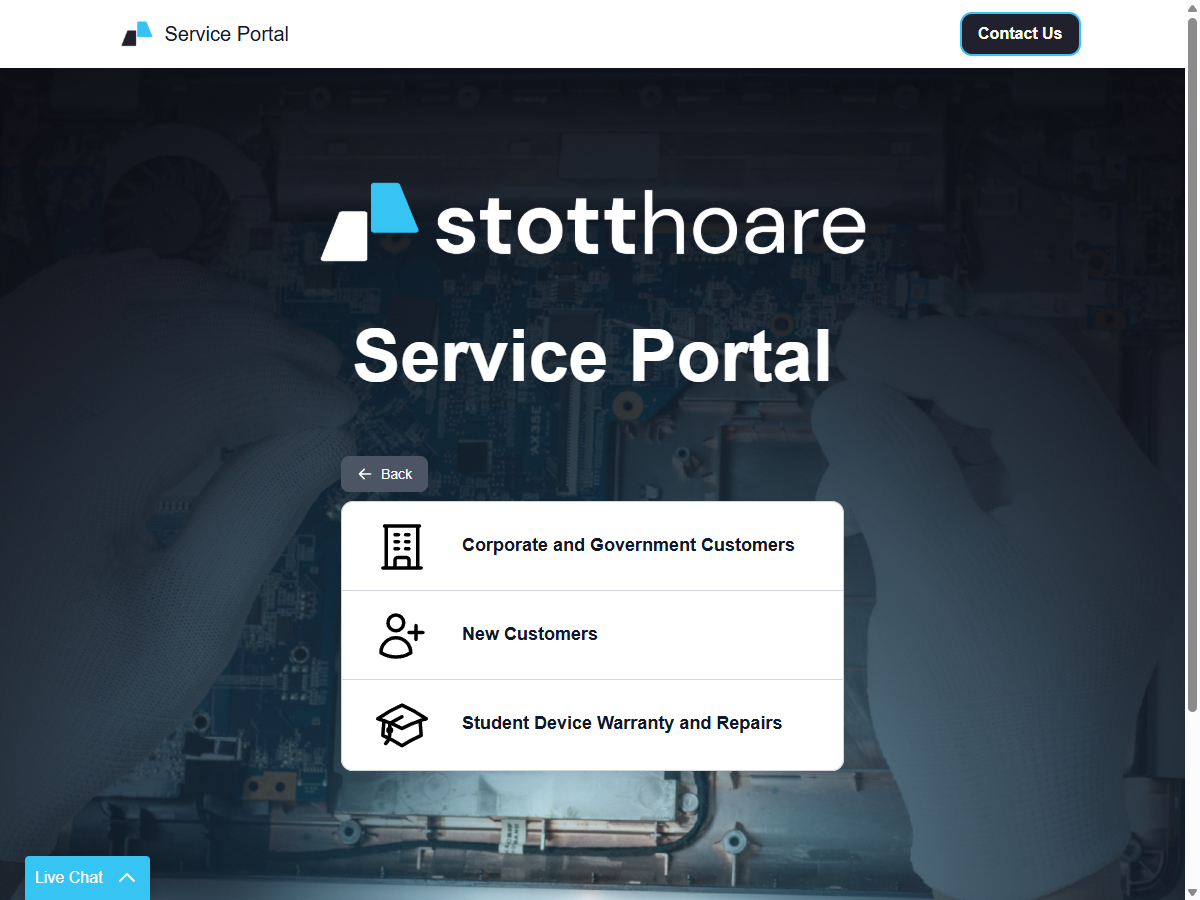
Who it is for
These pages are for corporate and government customers with a Stott Hoare account. The home page also has options for new customers and for student devices bought through a school.
You do not need an account to log a request. Signing in makes it faster and lets you see every request logged for your organisation. Organisations can also have their own link that identifies them automatically; ask your account manager.
What you can do
- Log a repair request for a device, with photos of the problem.
- Choose how we receive the device: drop it at our office, have it collected, on-site repair, or advanced exchange, depending on what your organisation has set up.
- Track the repair from a link we email and text you, and get an update at every stage.
- See all requests for your organisation when you’re signed in.
Signing in
Signing in is optional. When you do, we fill in your details automatically and you can see your organisation’s requests. See How To - Sign in.
Signing in uses the same Stott Hoare account as the Customer Portal and the online shop.
What information we collect
See What information we collect: what we ask for and why.
Help
If something isn’t working, use Contact Us at the top of the portal, or the Live Chat button in the corner.