We’ll email you an invitation to set up your account. If you haven’t received one, ask your Stott Hoare account manager.
Accepting your invitation
-
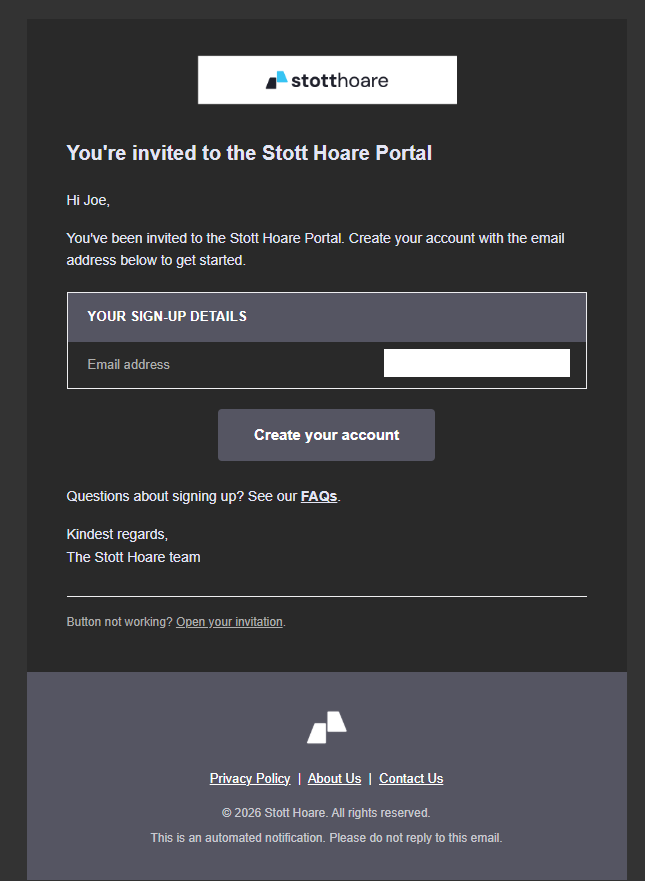
Open the email titled You’re invited to the Stott Hoare Portal and click Create your account.
-
The sign-in page opens with your email address already filled in. Click Sign in.
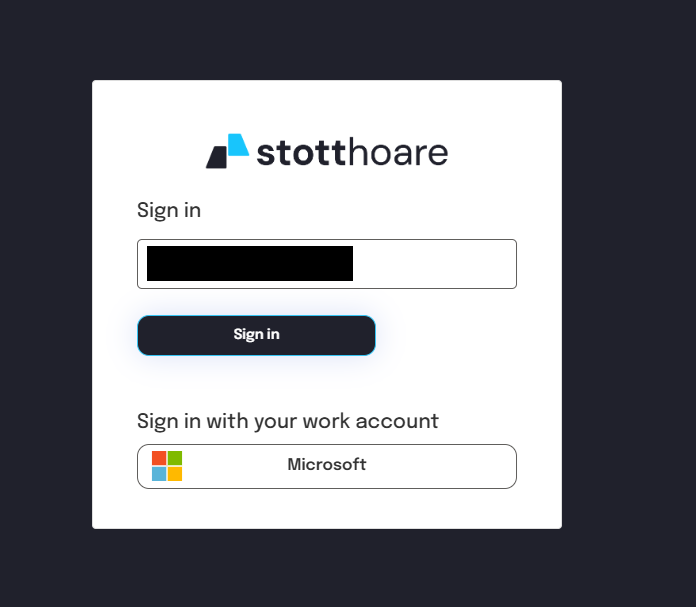
If your organisation has set up sign-in with Microsoft, you can click Microsoft instead and use your work account.
-
Create your account:
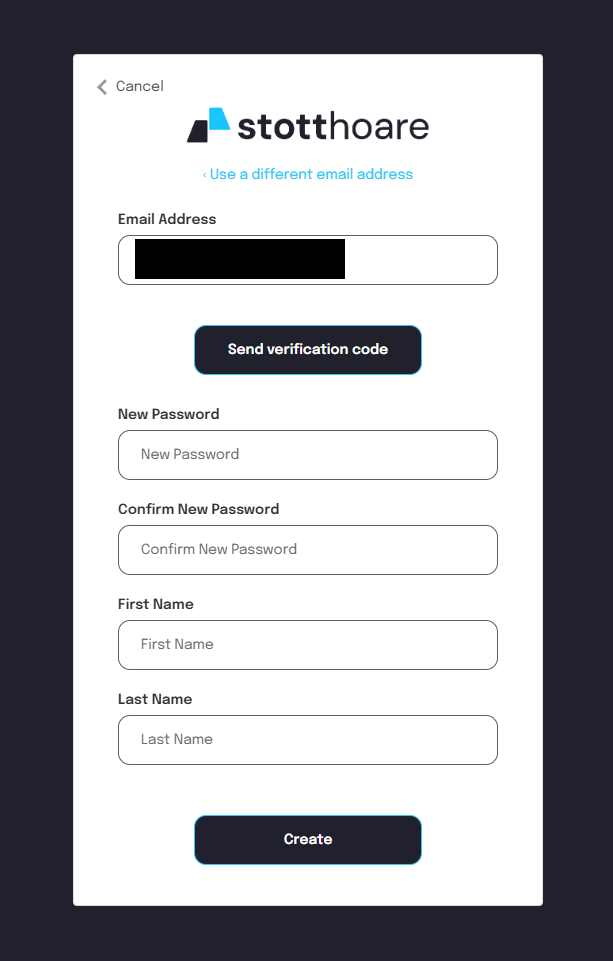
- Click Send verification code. We email a code to your address; check your junk folder if it doesn’t arrive.
- Enter the code, then choose a password and enter your name.
- Click Create.
The invitation link works once. After that, sign in as below.
If the invitation can’t be accepted
- This invitation has already been used or has expired. Click Request a new invitation. If you’ve already created your account, sign in as below instead.
- This invitation was sent to a different email address. Open the invitation email again and sign up with the address it was sent to.
Signing in again
Open https://service.stotthoare.com.au and click Log in. You’ll see the same sign-in page: enter your email address and password. Forgotten your password? See How To - Reset your password.